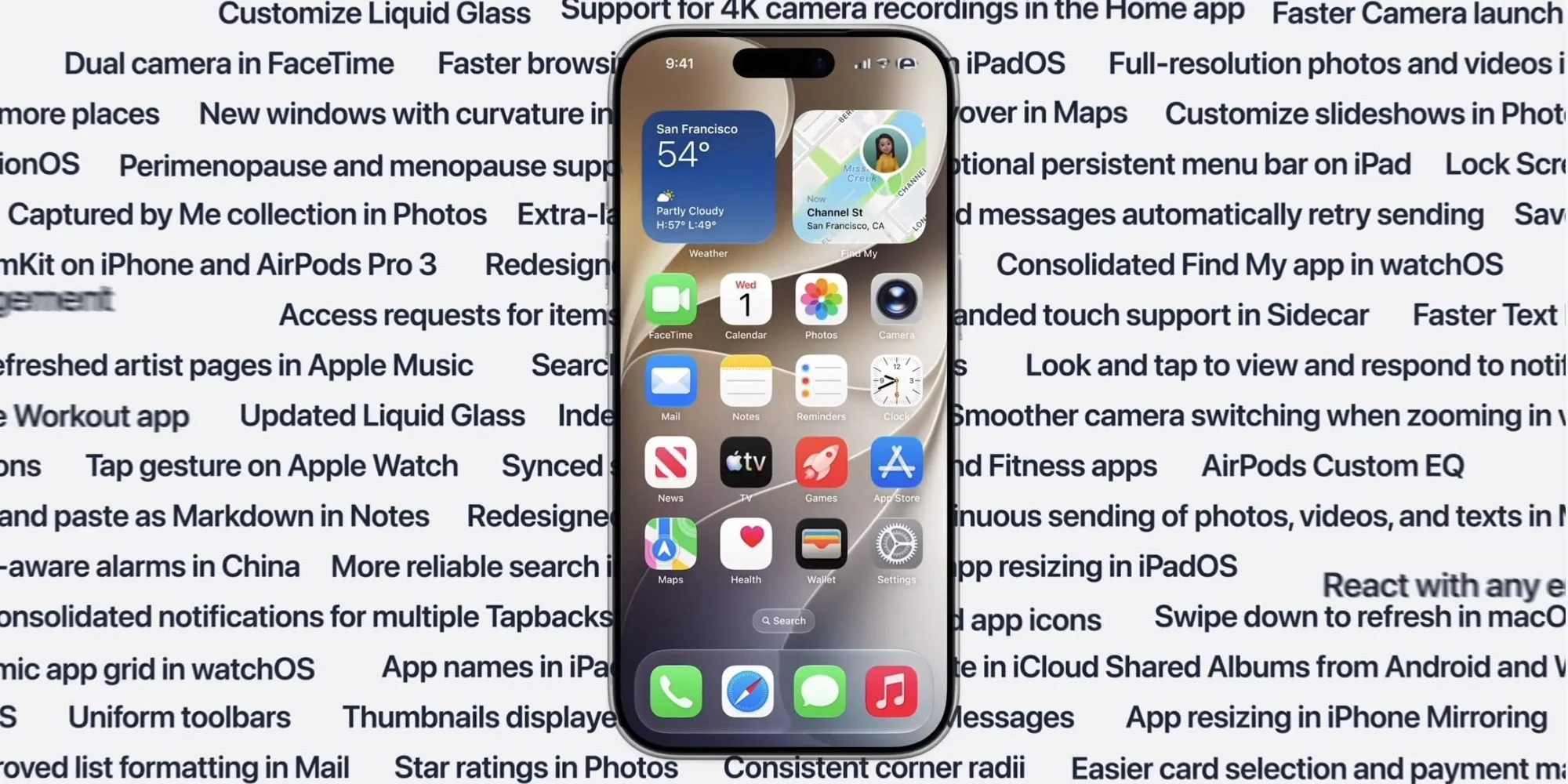
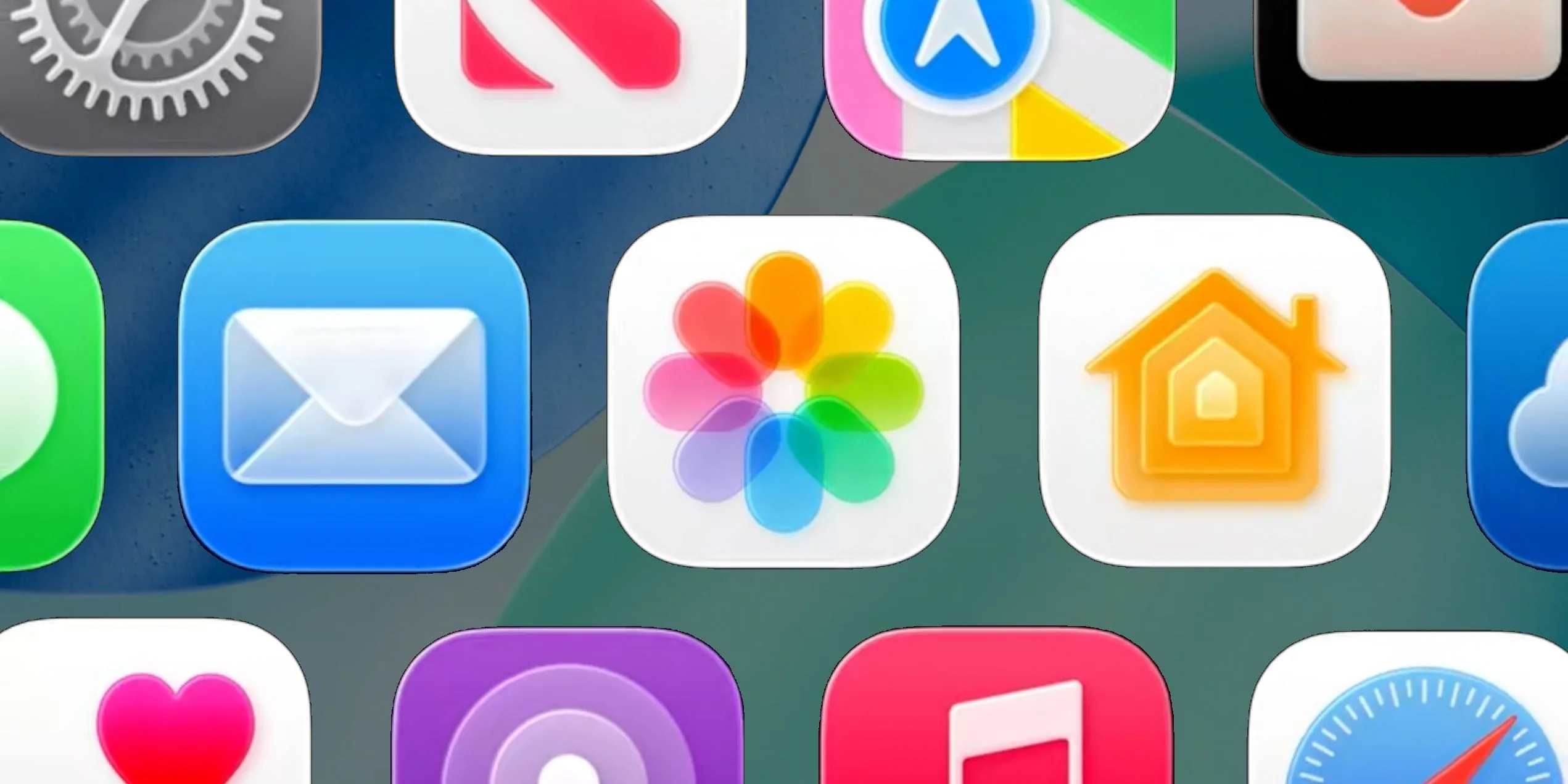
Apple's WWDC keynote has always been a bellwether for what’s next in its ecosystem, but this year, the reveal of features in iOS 27, macOS Golden Gate, and other platforms stood out for how quickly they flew by. Although many of us only caught a fleeting glimpse of the highlights on stage, there's a wealth of noteworthy changes beneath the surface. In light of that, let’s unpack what was announced in a clearer and more structured manner. The keynote slide presented a smattering of features, but that's just the start; there are deeper enhancements planned for the upcoming software.
Enhancements Across Apps
Photos and Camera Features
Add the ability to tag photos and videos with keywords in the Photos app.
Introduce star ratings for organizing photos.
Enhance photo search returns to highlight better visuals of people and pets.
Allow for searching photos with additional metadata.
Enhance slideshow customization options and introduce video saving features.
Implement filtering options in Shared Albums, plus recent activity tracking.
Introduce emoji reactions in Shared Albums.
Support for high-resolution photos and videos in iCloud Shared Albums.
Refine participant permissions and include a “Captured by Me” collection in Photos.
Allow users to expire Shared Albums and speed up loading of new captures.
Provide options to save video frames and customize Photo Shuffle choices.
Enable participation in iCloud Shared Albums from Android and Windows devices.
Prioritize syncing to iCloud Photos and simplify the inviting process for Shared Albums.
Improve photo orientation accuracy and speed up the full-screen view from the Photos widget.
Reinvent the Collections tab for better user experience and allow identity documents to be stored.
Increase the speed of uploads to iCloud Photos and ensure all camera settings are displayed.
Make Camera performance more efficient in Low Power Mode, with quicker launches and smoother transitions.
Updates to Messages and FaceTime
Introduce a drawing feature within Messages.
Improve synchronization across devices for Messages.
Automate message retransmissions for failed sends.
Facilitate the simultaneous sending of photos, videos, and texts.
Implement a new way to locate offloaded media within the Messages app.
Add thumbnails for offloaded media in Messages.
Allow searching for conversations using a contact’s nickname or phone number.
Consolidate notifications for Tapbacks.
Speed up the addition of recent camera captures into message threads.
Enhance FaceTime with dual camera support and better quality on weak connections.
Safari Improvements
Boost the speed of content loading on the Safari start page.
Increase overall web application performance.
Ensure smoother graphics and animations.
Enhance JavaScript processing efficiency.
Simplify start page resizing.
Improve power efficiency for Safari on both iOS and macOS devices.
Prevent web audio from interrupting system audio functions.
Mail, Notes, and Calendar Updates
Enhance the Top Results feature in Mail for more reliable user experiences.
Boost speed for message loading and improve search indexing in Mail.
Refine list formatting and improve unread badge tracking in Mail.
Introduce drawing capabilities in Notes, along with enhanced copy-paste functionalities.
Enable multiple event modifications in Calendar and streamline the scrolling experience.
Improve the interface for third-party Calendar event details.
Shortcuts App Enhancements
Redesign the Shortcuts editor for better usability.
Expand capabilities for gathering on-screen information within Shortcuts.
Enable “else if” functionality and data storage in shortcuts.
Support group conversations and automate screenshots and notifications using Shortcuts.
As you explore these updates, consider how they might reshape your workflow. If you're in the Apple ecosystem, the potential for increased efficiency and interconnectedness among apps can't be overlooked. From sharing more intuitive visual experiences in Photos to seamless communication across Messages and FaceTime, these enhancements signal a focused effort by Apple to tighten the integration within its platforms.