Apple's latest iOS 27 brings a notable enhancement to its Liquid Glass design, allowing users to personalize the transparency of UI elements via a new slider feature. This revamped design expands on concepts introduced in iOS 26, where users could choose between Clear and Tinted options. Now, users can adjust the transparency dynamically, adding a new layer of customization to the iPhone experience.
Introducing the Liquid Glass Slider
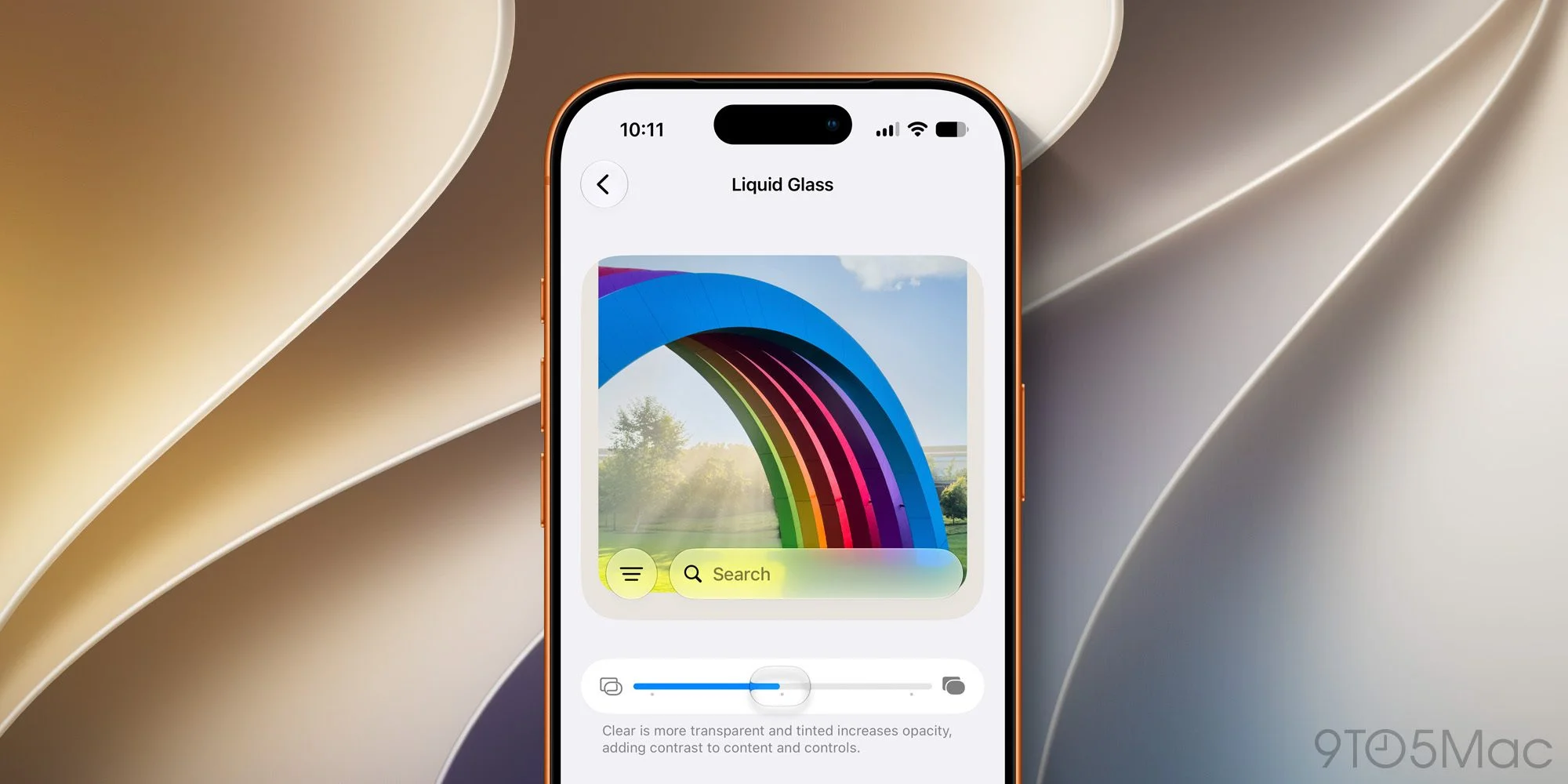
iOS 27 introduces a slider mechanism under Settings ⇾ Appearance, letting users fine-tune their Liquid Glass visuals. By moving the slider, iPhone users can transition from highly transparent to more tinted appearances, refining how interface elements blend with their screen. This move toward customization acknowledges a broader user sentiment; many people want their devices to reflect their personal style. It’s more than just function; it’s about identity.
For Apple, catering to billions of users poses ongoing design challenges. The feedback from iOS 26 indicated that while the Liquid Glass style was novel, its uniformity didn't resonate with everyone. By allowing this personalization, Apple is recognizing that user experience isn't one-size-fits-all. Now, iPhone users can adjust transparency incrementally, creating a visual hierarchy that suits their context, mood, or preference. It’s not just an aesthetic choice — it can actually enhance usability depending on lighting and surrounding color schemes.
Visual Flexibility in Design
To illustrate the new feature, the slider permits a range of settings. Users can opt for a completely transparent look or dial up the tint to achieve a style that matches their individual taste. Even though examples showcase three visual styles—most transparent, default, and most tinted—the slider's flexibility allows for nuanced adjustments. This capability isn't merely an artistic experiment; it caters to a growing demand for interfaces that align more closely with users' preferences. Think about it: people are increasingly visual-centric. Apps that adapt to personal style won’t just look good—they’ll feel good to use.
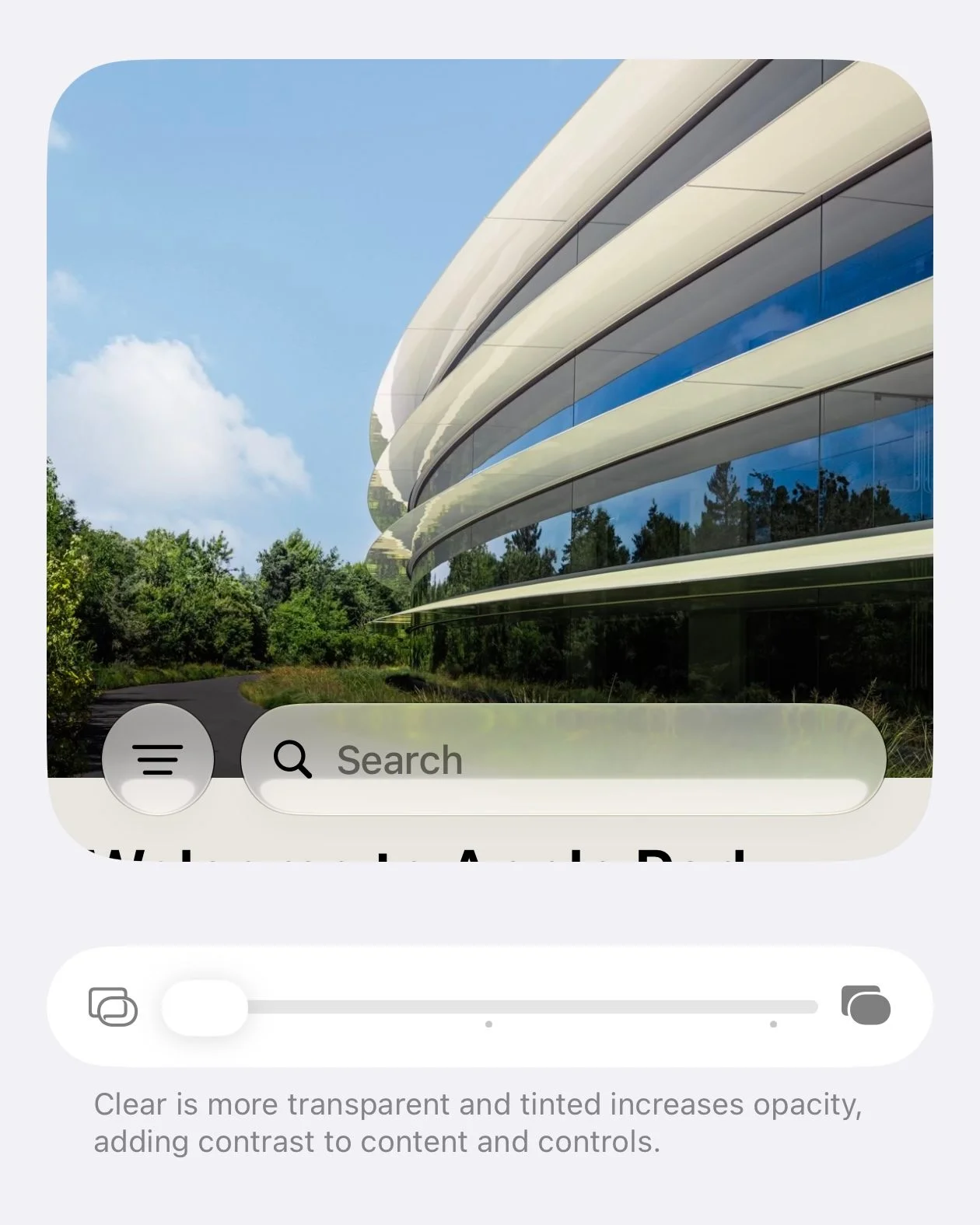
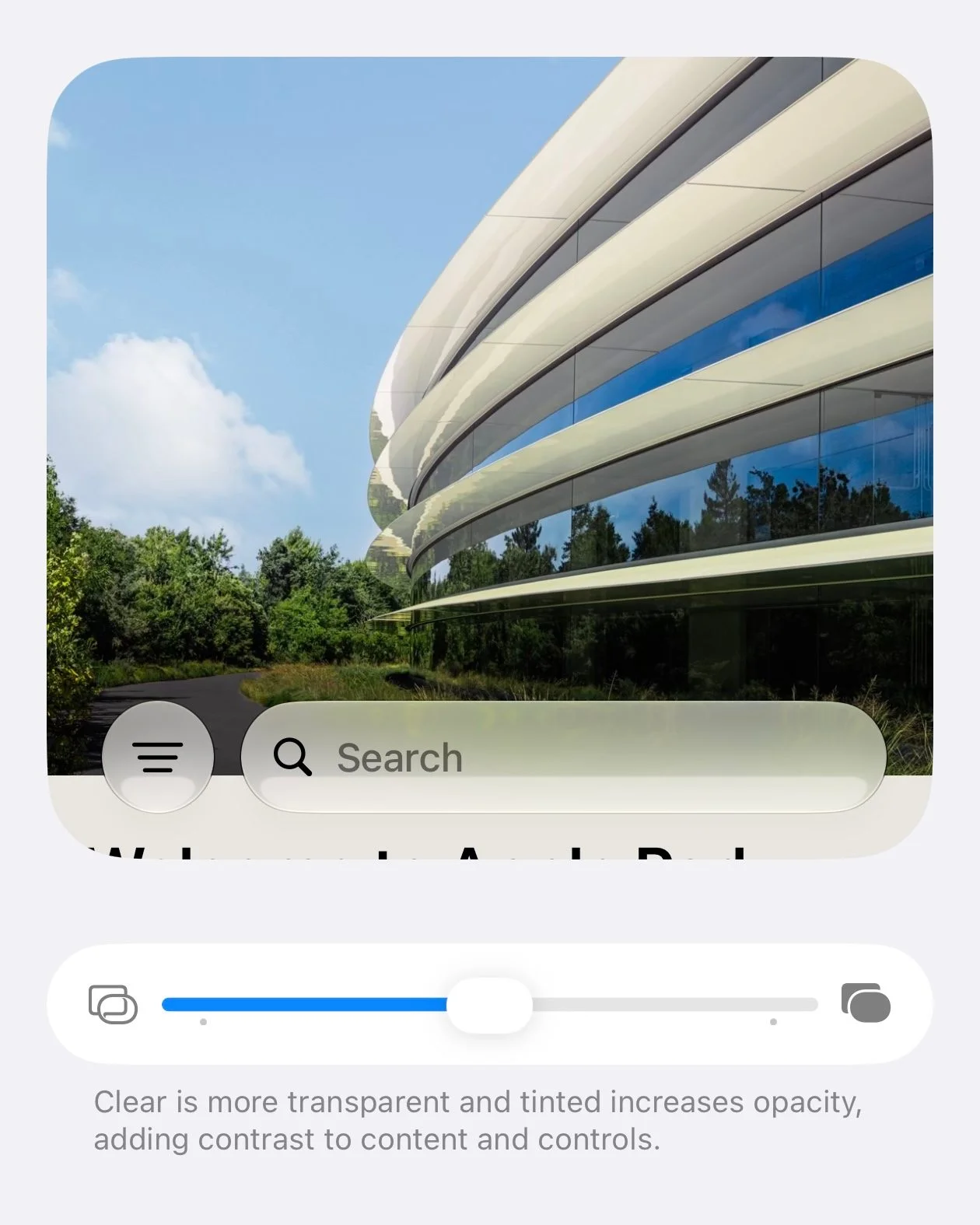
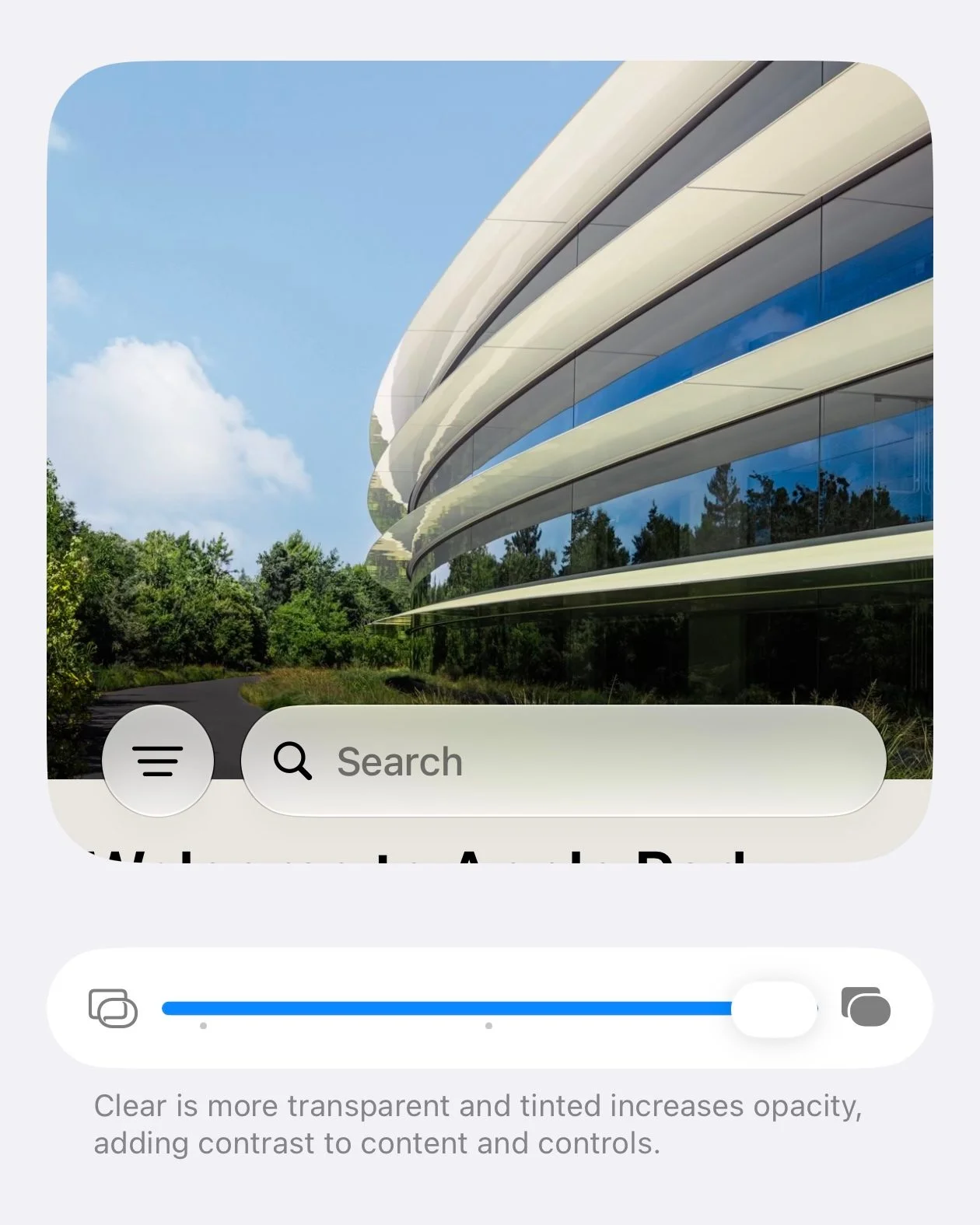
From personal diary apps to productivity tools, the slider feature shows its versatility across various interfaces. Apple is betting that showcasing this feature through diverse examples—from the App Store to Apple Podcasts—will help to solidify its value in the minds of users. Yet, one must wonder: Is a simple visual adjustment enough to overcome criticisms that Apple fails to deliver substantive software updates? Time will tell if this transparency feature will be a highlight or a blip in the larger scope of iOS enhancements.
Practical Implications
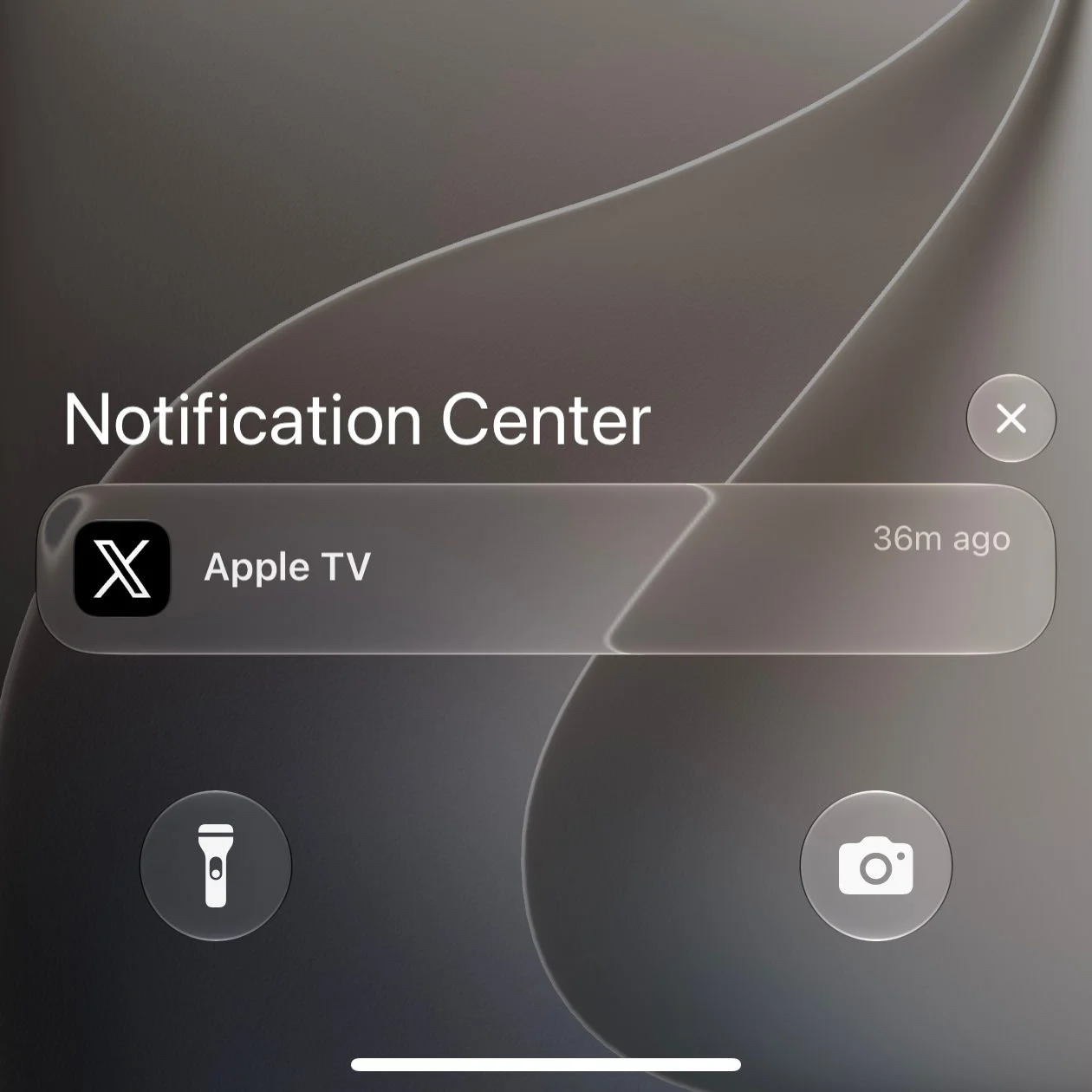
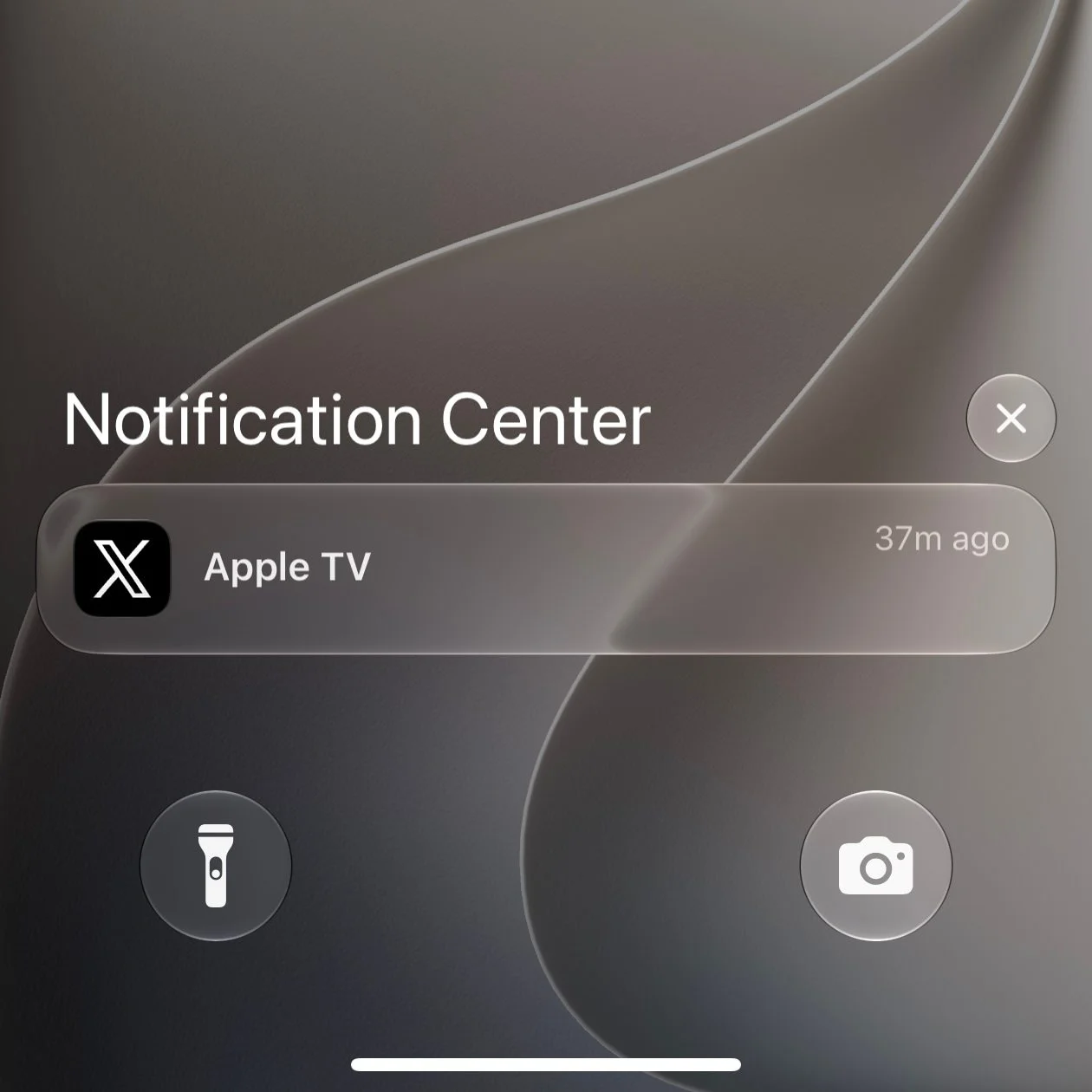
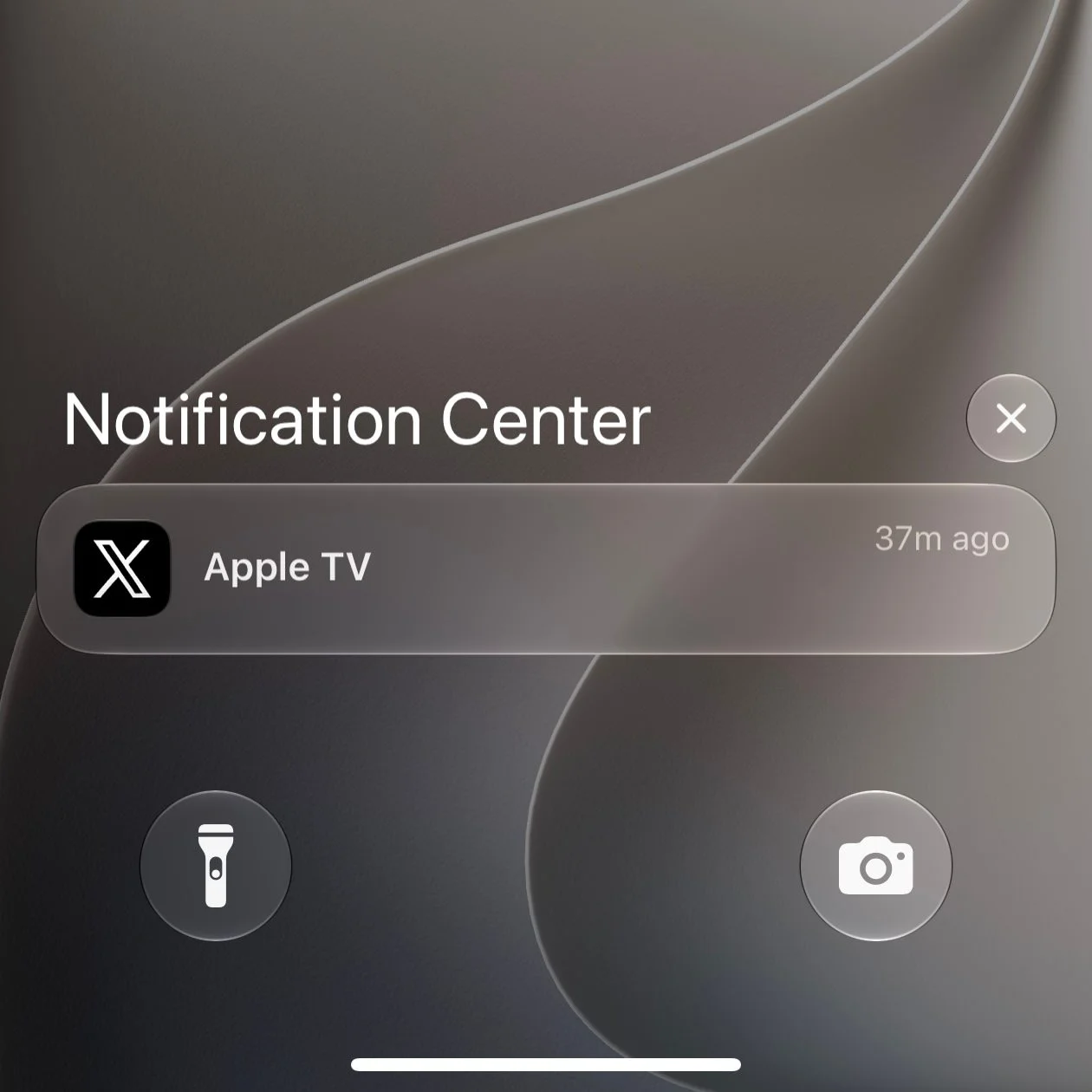
This feature rollout is solid, but potential for refinements will depend heavily on user feedback. Apple's iterative approach has often led to improvements in previous versions of iOS, so there's reason to believe more possibilities could come in future updates. Will you embrace a more transparent or tinted Liquid Glass look? It’s an opportunity for users to reflect their tastes in a tangible way—though as a base level, questioning whether your chosen tint really enhances your experience might be the more significant inquiry. What this means for you is that there's now room for individuality within the confines of Apple's otherwise uniform aesthetic.
Implications and Future Outlook
The introduction of the Liquid Glass slider shows a shift in Apple's design ethos, moving toward user-centered customization rather than dictating a singular aesthetic. This could mark a broader trend in tech where companies recognize that users want more than just functionality—they want individuality.
As Apple embraces this customization, expectations will rise. Consumers will now look for even more ways to personalize their devices. If you're working in this space, anticipate a push toward other customizable features that could enhance user experience. Competitors might follow Apple's lead, prompting a race toward greater personalization in mobile operating systems. This shift can redefine how users engage with their technology, impacting everything from app development to marketing strategies.
So, while the Liquid Glass slider might seem like a minor addition, it represents potential for a significant cultural change in how tech companies interact with their user bases. The real question is: how will this affect future updates, and can Apple keep up with these rising expectations? (And this is the part most people overlook.) Ultimately, this is an evolution worth watching closely.


